AI Product Video
Create engaging product videos with AI-powered animations and effects.
4 easy steps
Number of steps
less than 3 mins
Estimated time to finish
850+
AI Product Videos Created
Trigger
Upload reference photo
Start by uploading a reference image of your product. Can manual upload or lookup to your asset registry.
Actions
AI analyzes product and give enhanced prompt based on user's description.
Submit to AI model.
Generate the Product ad.
Download your generated Product ad.
Result
BEFORE

AFTER
Produces multiple video ads ready for social media campaigns in minutes.
How It Works: Step-by-Step
From a single product image to dozens of marketing assets in four simple steps.
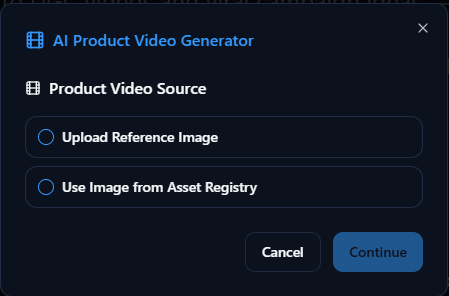
Upload Your Image
Provide a clean, high-quality image of your product to begin. Or, you can look it up in your asset registry.
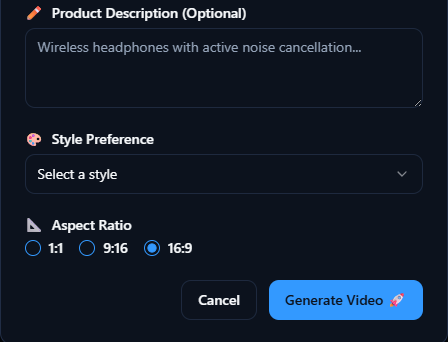
Describe Your Scene
Tell the AI what kind of scene you want to generate for your product.
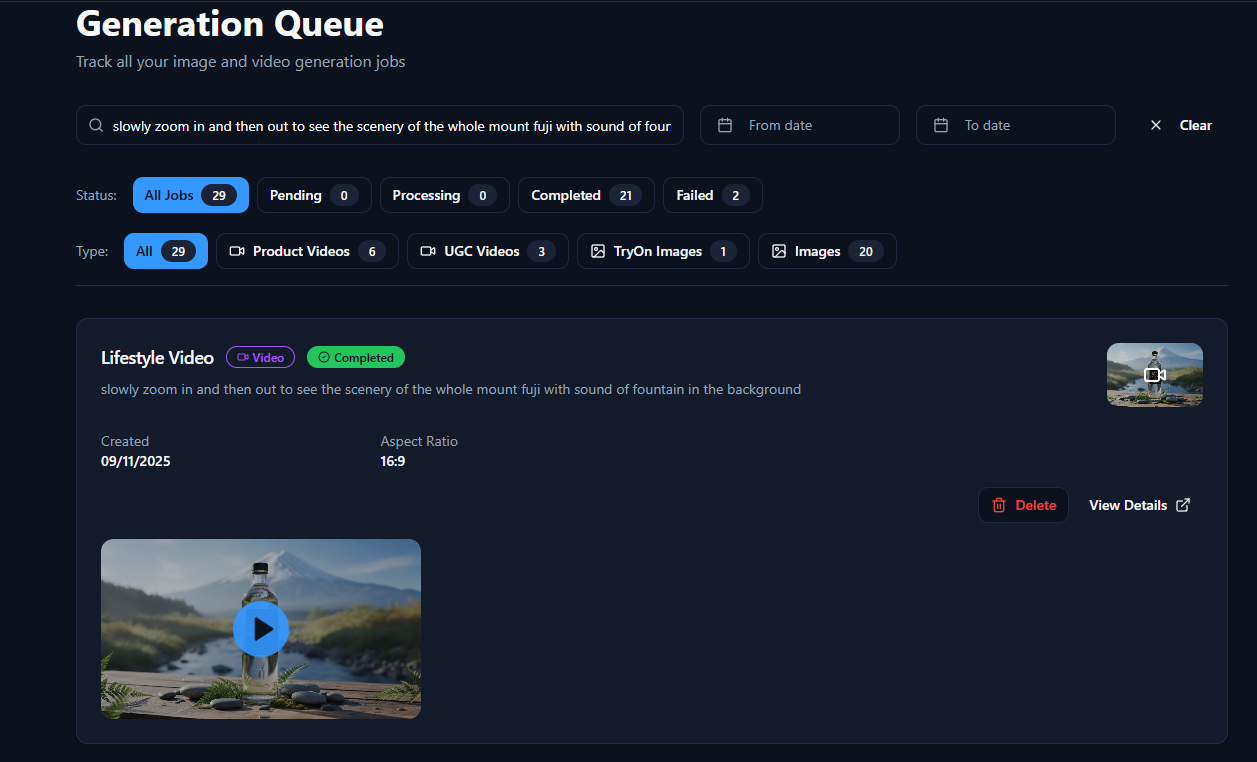
Wait in the Generation Queue
Please wait while your content is being generated. This process typically takes less than 3 minutes.
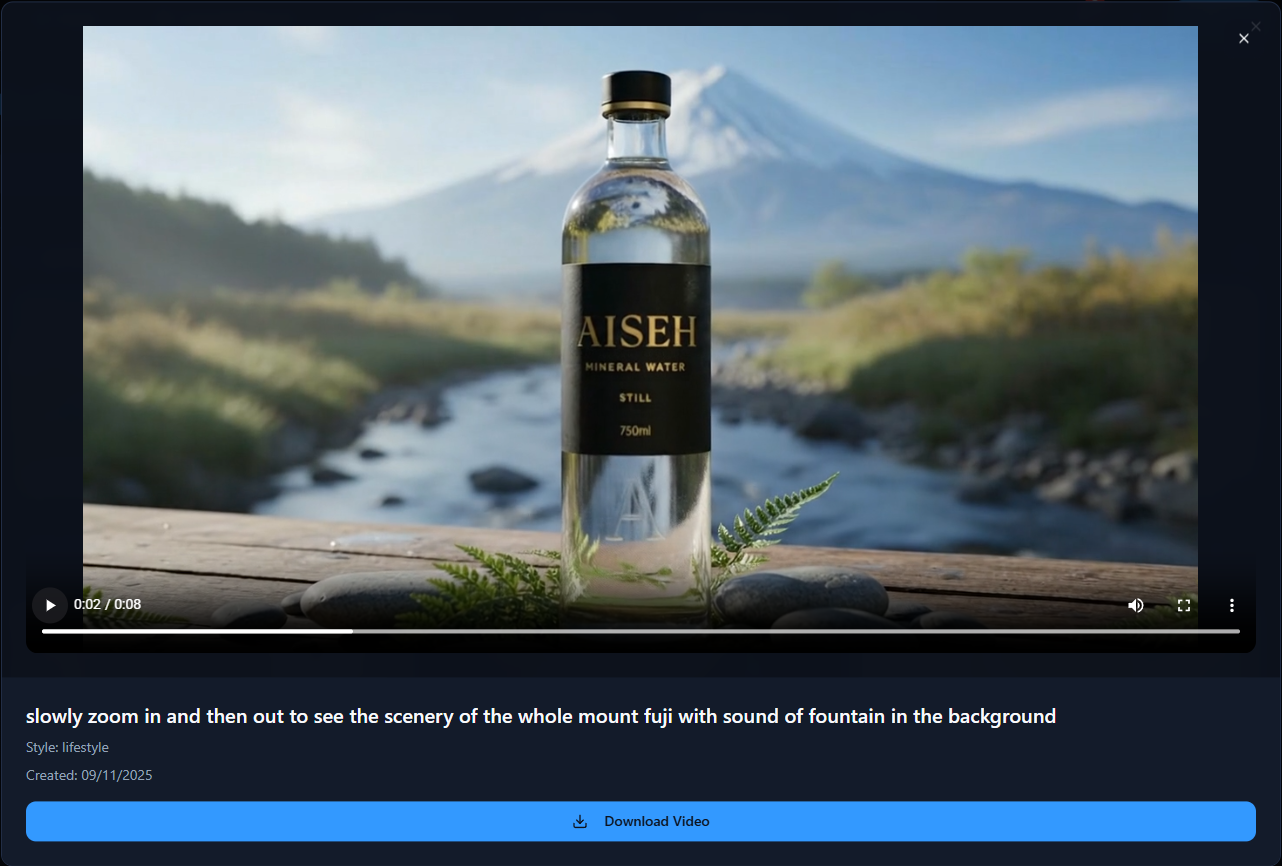
Preview & Download
Once generation is complete, you can preview your video ad. Download it when you are ready.
Ready to Create Engaging Product Videos?
Stop spending weeks on video production. Start generating scroll-stopping videos in minutes.
Book a Free Strategy Call