AI Try-On
Upload an outfit and see it modeled on an avatar for realistic try-on previews.
4 easy steps
Number of steps
less than 3 mins
Estimated time to finish
500+
AI Product Try-on Created
Trigger
Upload Clothing Product & Choose model.
Select a model and upload your clothing product to get started.
Actions
Select an AI model from our diverse library
AI drapes the clothing onto the model realistically
Choose a background scene (e.g., 'City Street', 'Studio')
Download high-resolution images for your product page
Result
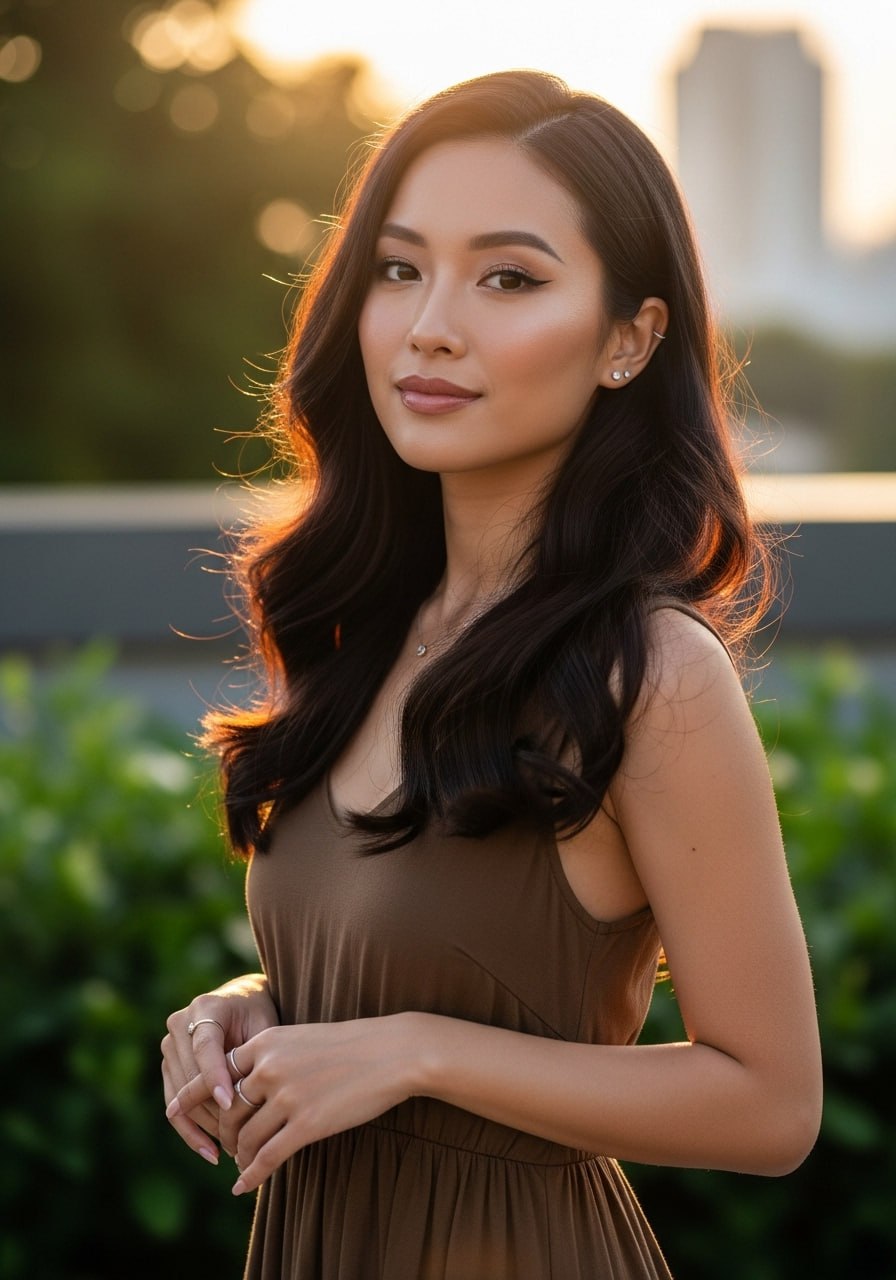
BASE MODEL
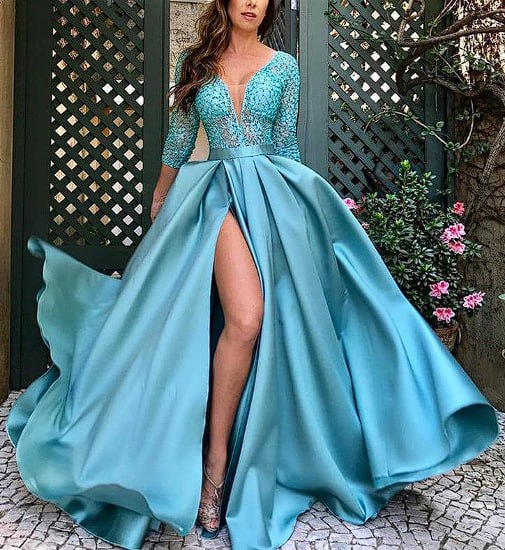
CLOTHING
RESULT
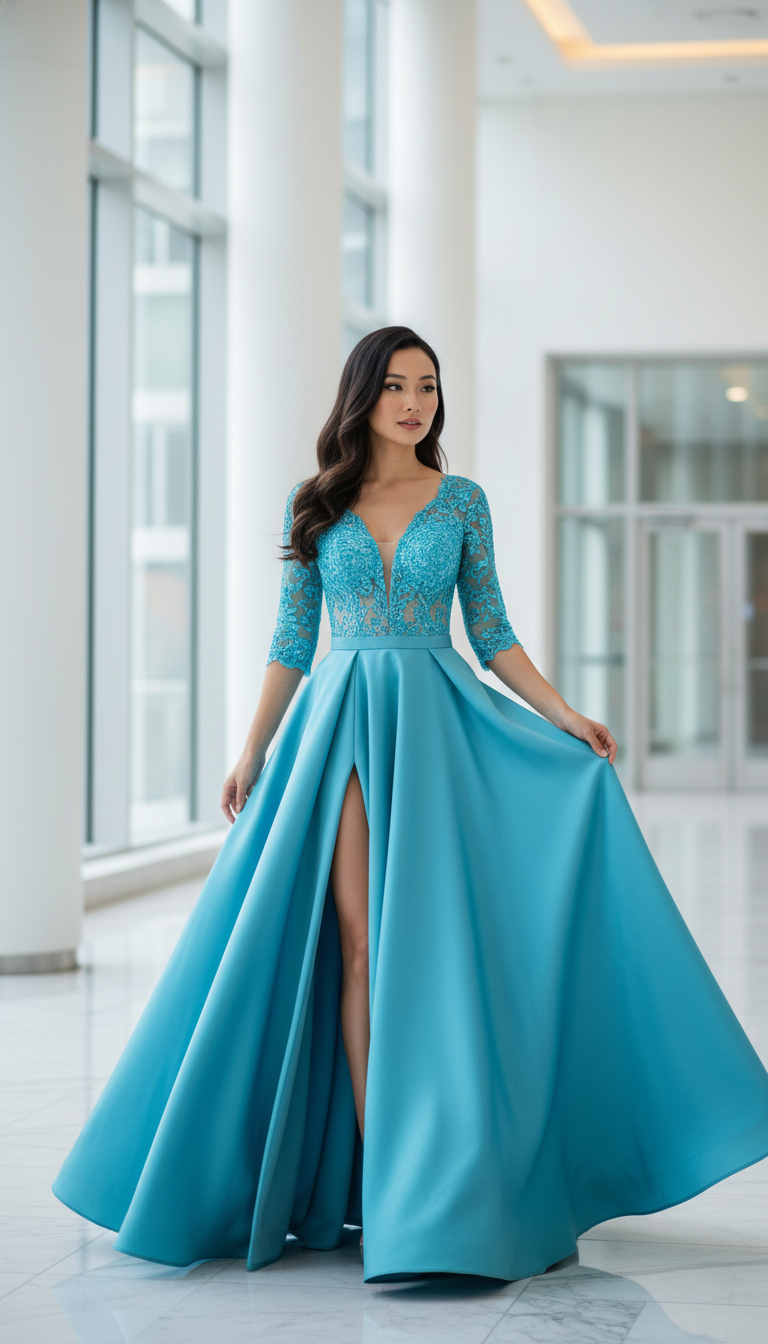
Generates instant, realistic model photos without the need for a physical photoshoot.
How It Works: Step-by-Step
From a single product image to dozens of marketing assets in four simple steps.
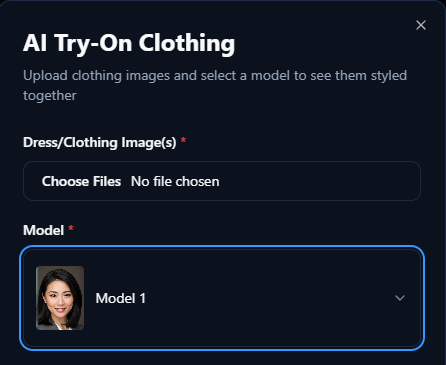
Choose your model, and upload your Product
Select a model to preview your product. Then, upload a clear, high-quality image or choose one from your asset registry.
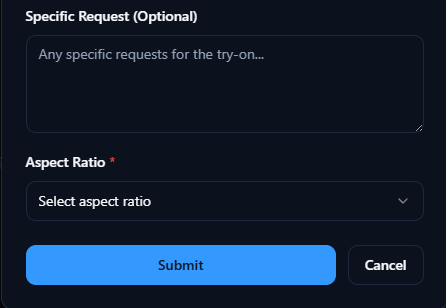
Describe Your Scene
Tell the AI what kind of scene you want to generate for your product, then select aspect ratio.
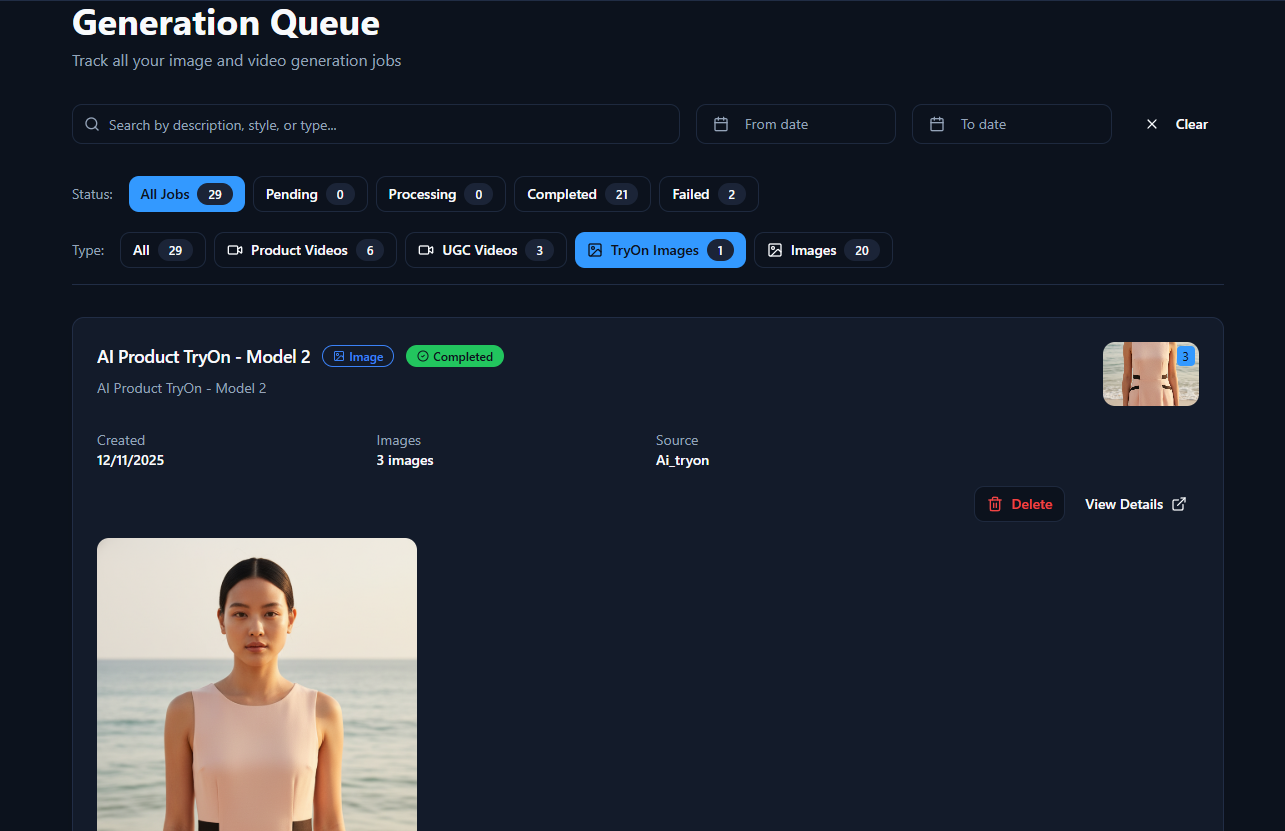
Wait in the Generation Queue
Please wait while your content is being generated. This process typically takes less than 3 minutes.
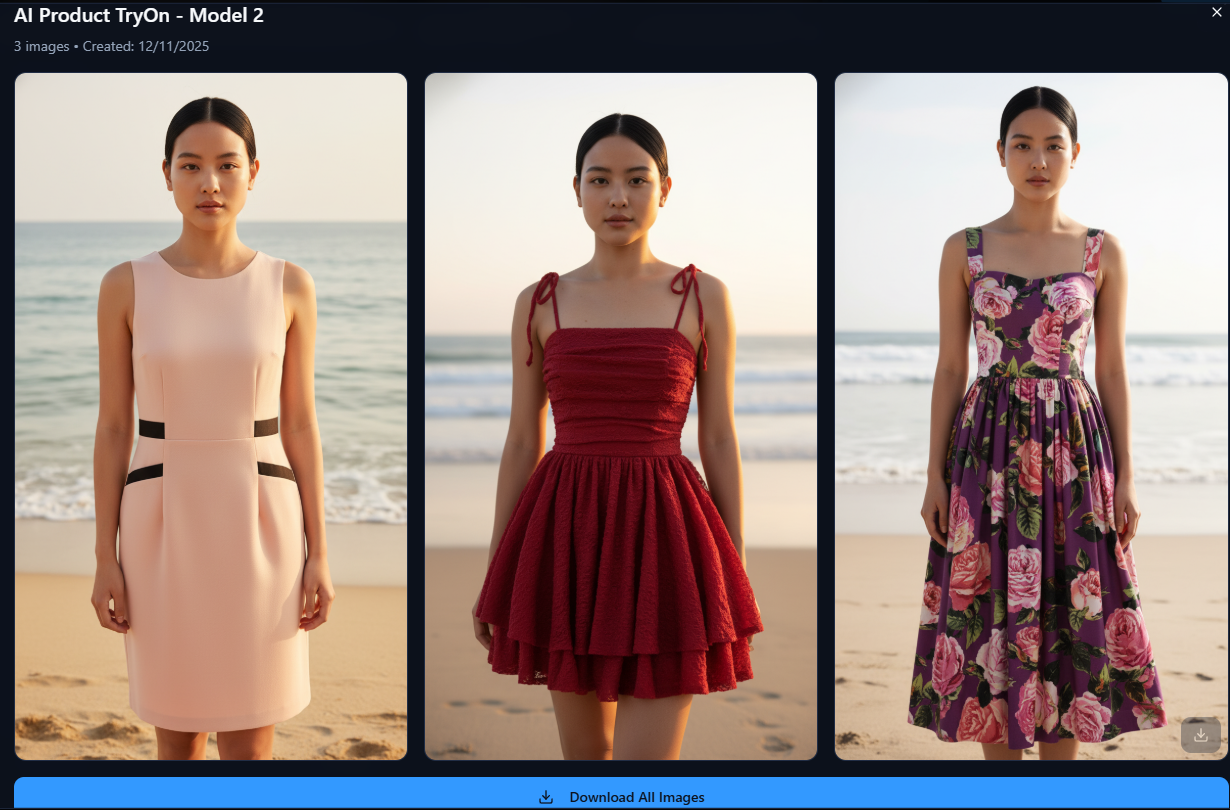
Preview & Download
Once generation is complete, you can preview your product ad. Download it when you are ready.
Ready to Revolutionize Your E-commerce Store?
Stop guessing. Start showing. Offer virtual try-ons that boost conversion and slash returns.
Book a Free Strategy Call